AI memory layer for trusted digital assets
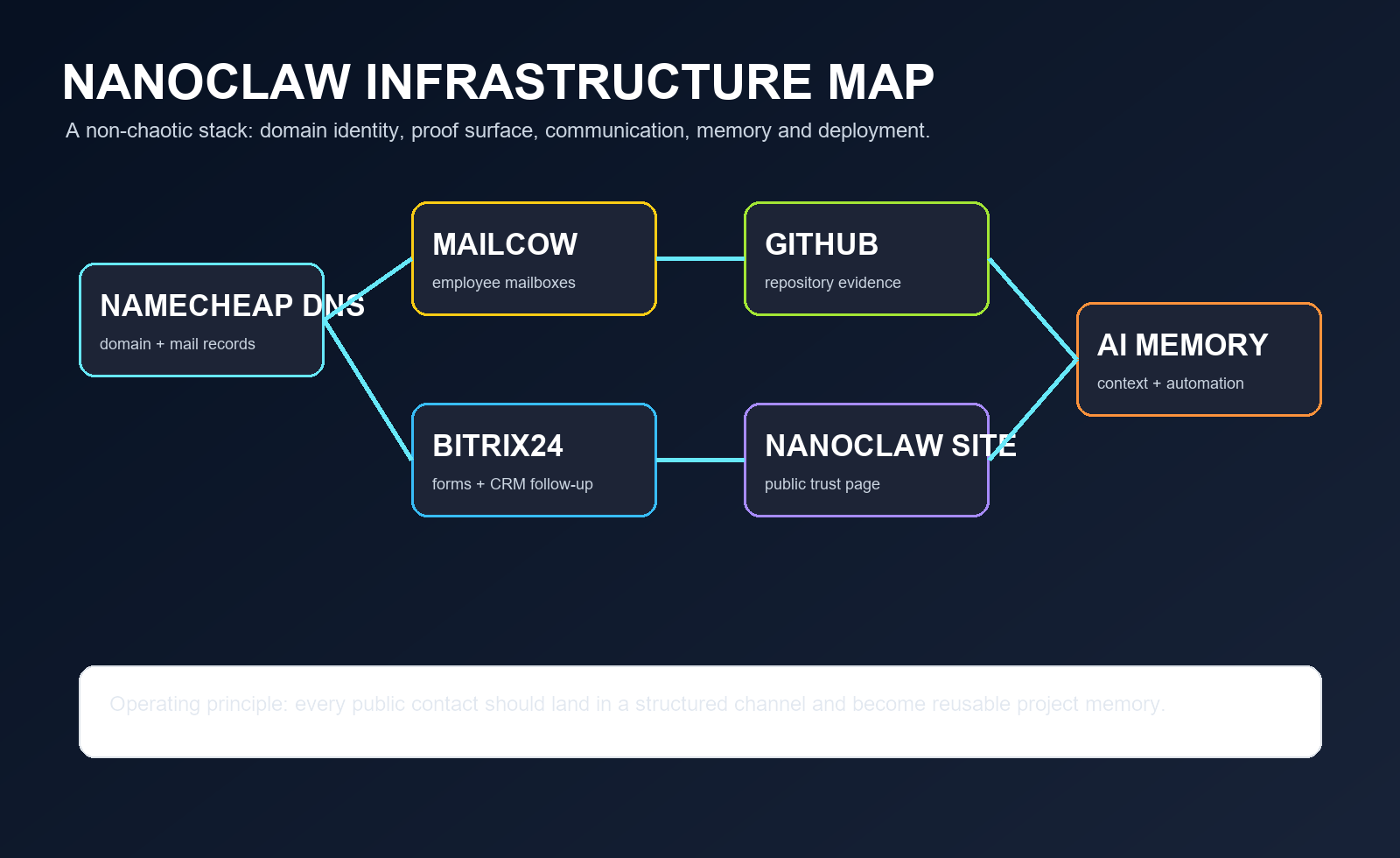
Nanoclaw connects a public website, GitHub evidence, release history, corporate email and Bitrix24 communication into one trust route for Web3 collections, creator releases and technical partners.
Animated infographics as the Nanoclaw image system
Instead of mixing portraits, landscapes and random decorations, Nanoclaw uses one coherent motion style: living nodes, moving evidence packets, QR signals and AI memory loops.
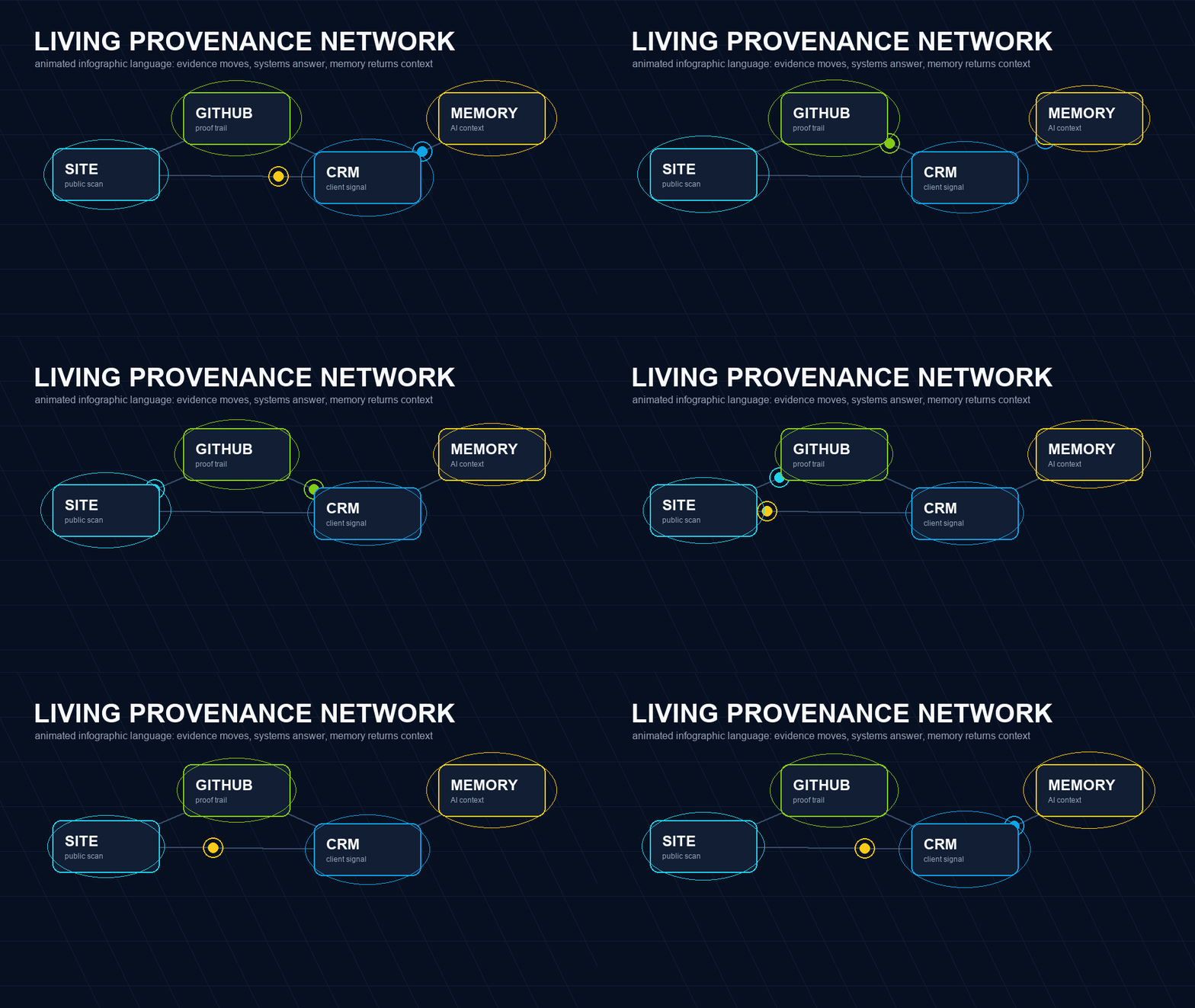
Living network
Site, GitHub, CRM and memory behave like connected active entities.
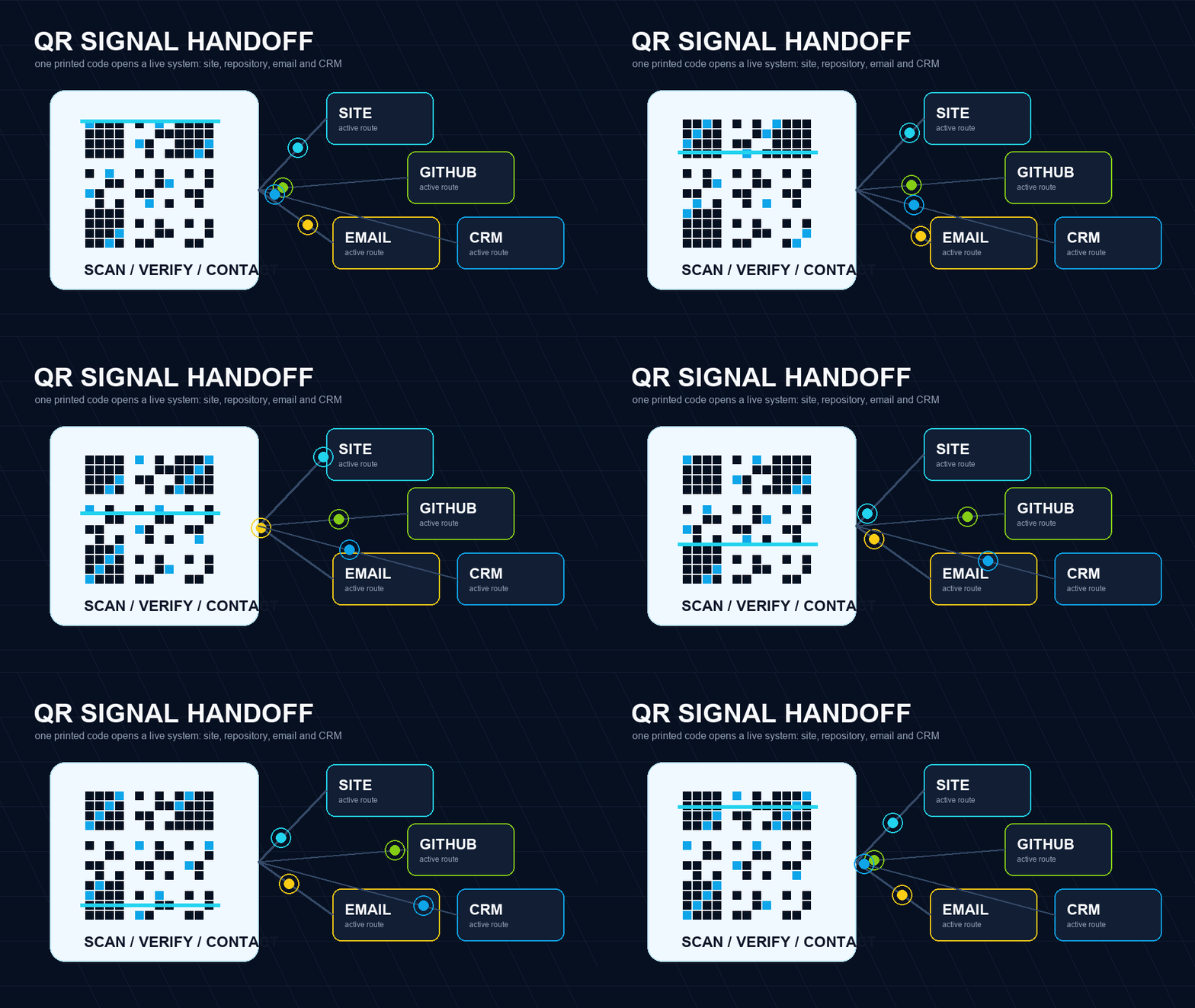
QR signal
A business card scan becomes a route to proof, contact and follow-up.
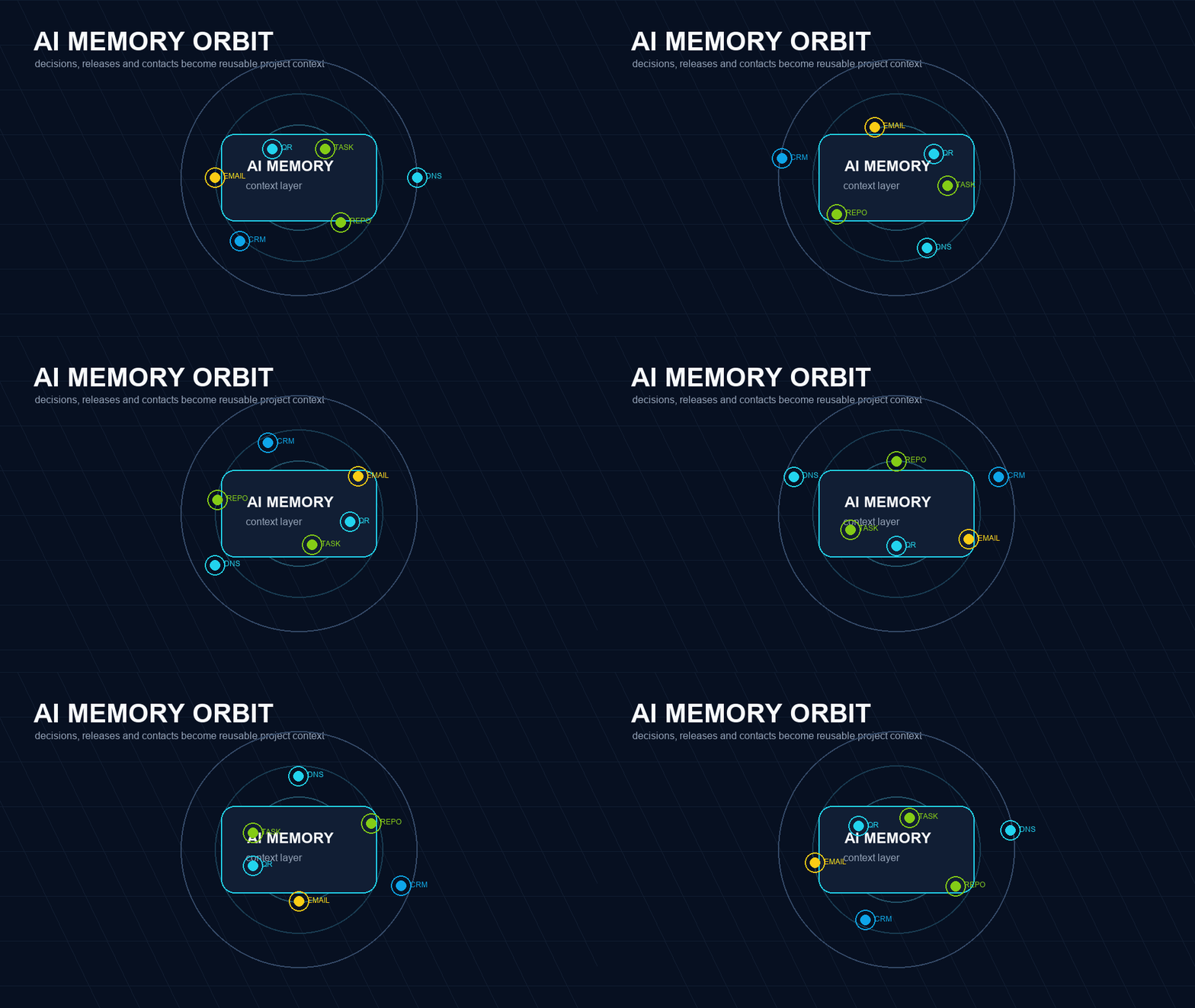
Memory orbit
Decisions, contacts and releases orbit one reusable project context.
A public trust page plus a private operational memory.
The site explains the project in plain language, while GitHub, Bitrix24, email and future community channels keep the underlying proof and communication organized.
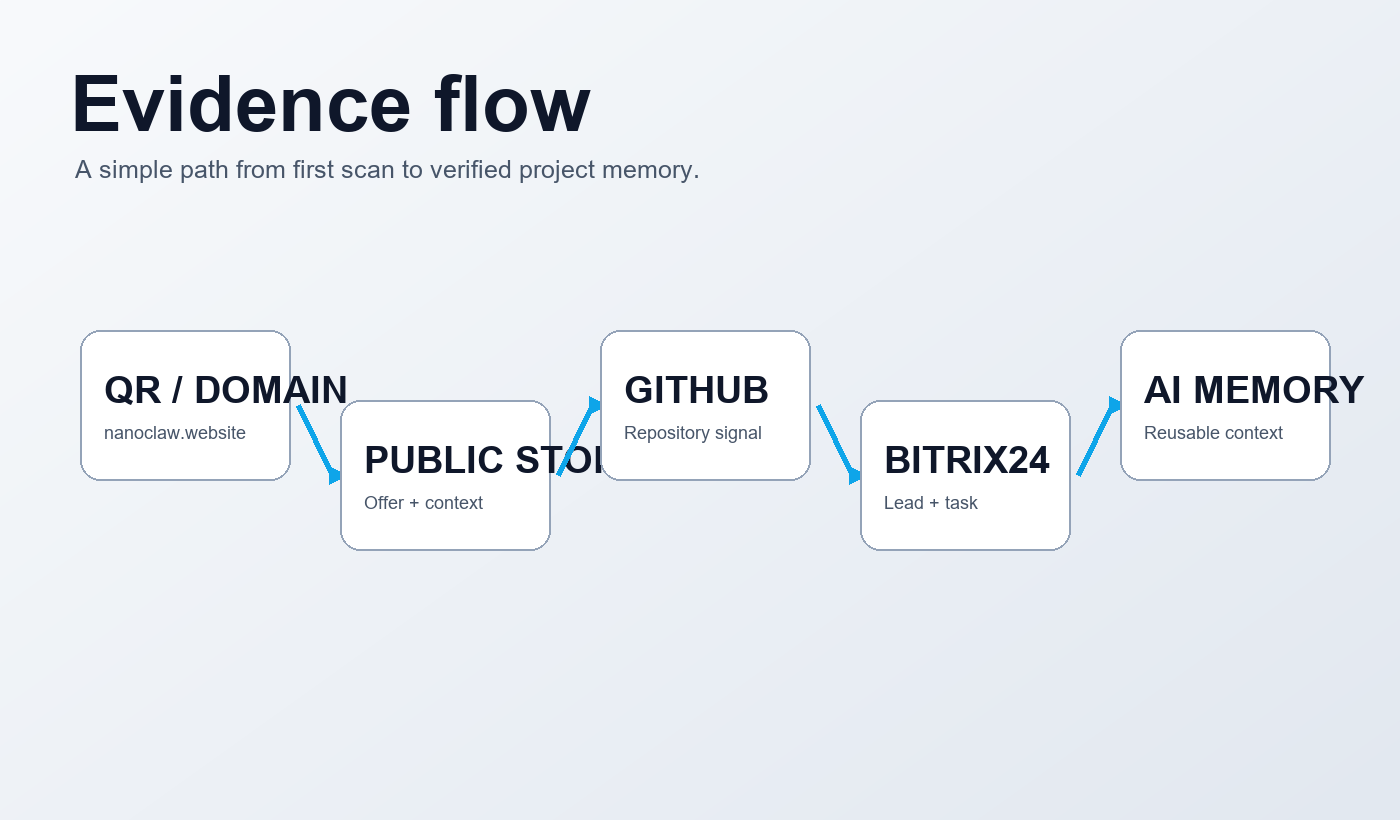
Three practical entry points.
Digital provenance
A visible route for assets, collections, datasets and digital releases where ownership, update history and contact context matter.
Open-source projects
A concise public front for repositories, issue history, roadmap notes, documentation and partner onboarding.
Creators and communities
A controlled identity page for releases, experiments, announcements and future Discord or Medium expansion.
A calm infrastructure for digital provenance
Nanoclaw should feel like a verification layer, not a noisy product brochure. The page now shows the route from public identity to repository evidence, CRM contact, domain email and future publishing channels.
The first scan point for cards, QR and search traffic.
Repositories, issues and technical memory stay visible.
Requests go into Bitrix24 for follow-up and history.
From idea to verifiable public trace
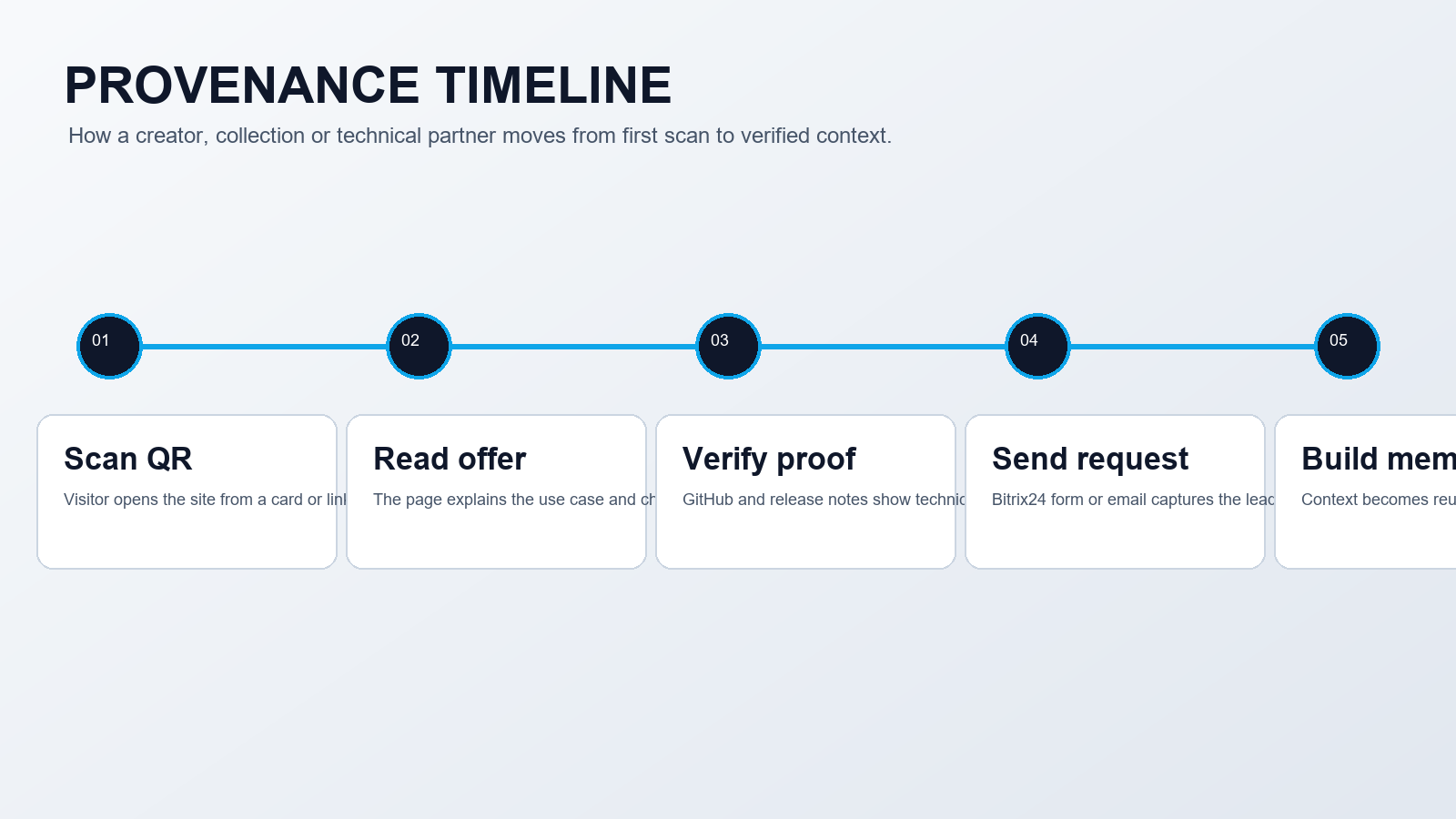
The strongest Nanoclaw story is not “we build AI”. It is “we make digital work easier to trust”. Every channel on the card and on the site should support that: scan, inspect, contact, remember.
A project, asset, dataset or creative object gets a first public trace.
The trace connects to GitHub, CRM notes, domain email and future articles.
A partner can open the same references from QR, site or business card.
One public identity, four controlled channels
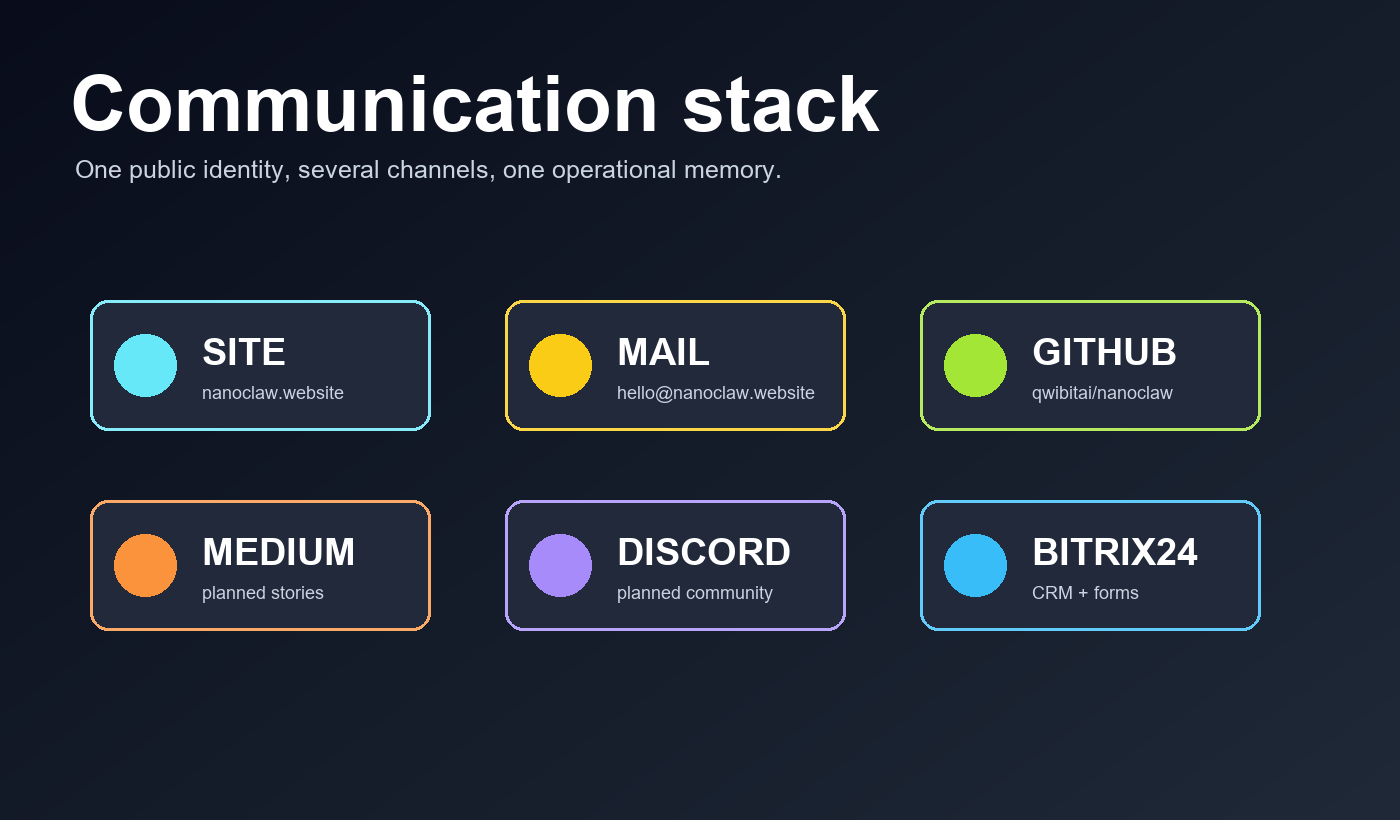
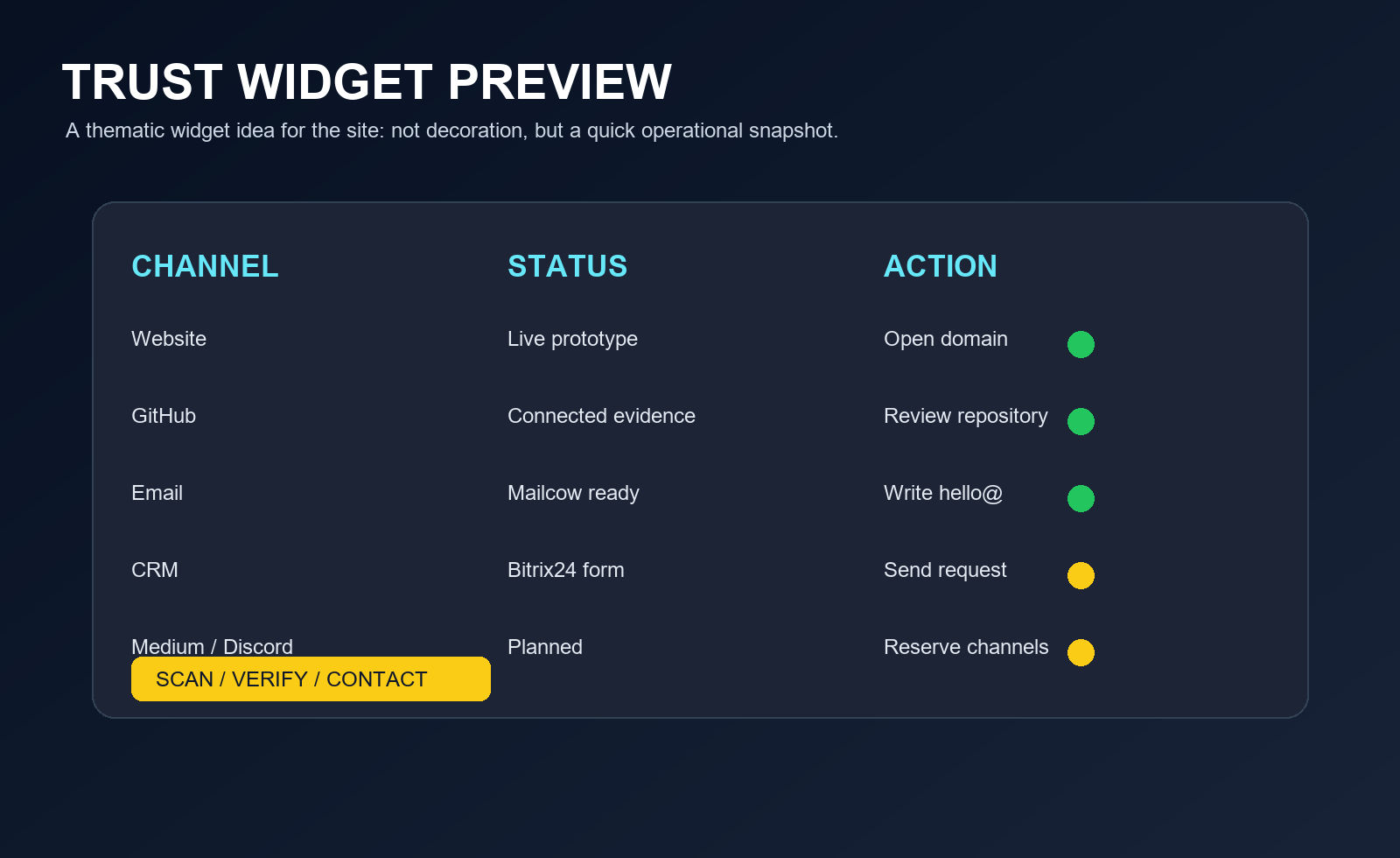
The website is the main door. GitHub proves the technical base. Email turns interest into a CRM request. Medium and Discord are reserved for later publishing and community work.
Open code and project memoryEmail handoff
hello@nanoclaw.website
Editorial channel planned
Partner room planned
A compact first version for partner exchange.
Business-card QR leads to the public site, not a scattered list of links.
The visitor can open GitHub and see the technical base immediately.
Email and Bitrix24 form give a normal corporate communication path.
One scan, then clear next actions
For printed cards we keep one main QR to the site. On the site itself, the visitor gets clean secondary routes: open GitHub, write email, or remember the reserved primary domain.
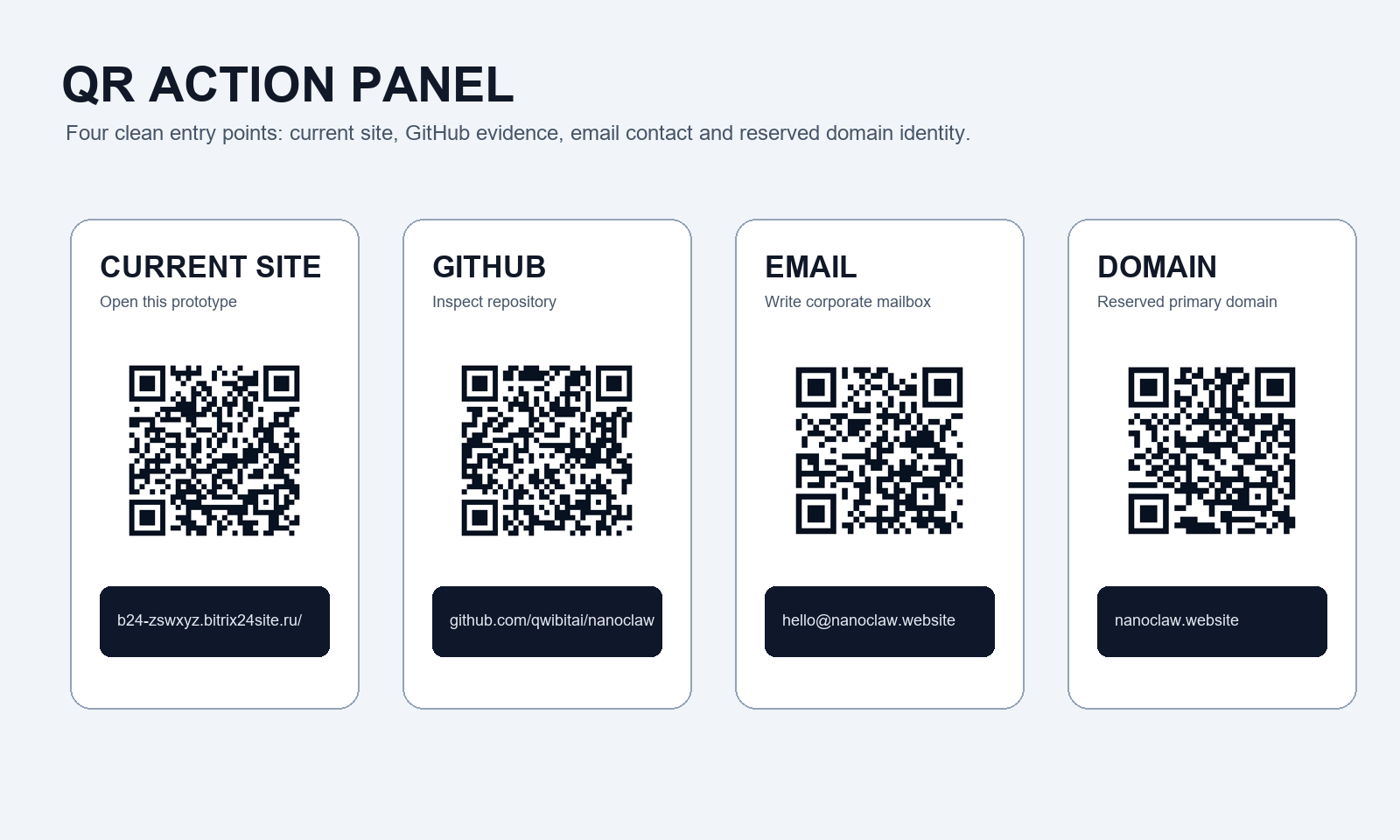
 Current site
Public Bitrix24 test page
 GitHub
Repository and project memory
 Email
Emailhello@nanoclaw.website
 Primary domain
nanoclaw.website is reserved for final DNS launch
Interactive, but only where it helps
The page now carries small action widgets instead of random decoration. Later each can become a Bitrix24 automation or an AI assistant handoff.
Repository check
Open the public repository and inspect the technical trace behind the project.
CRM request
The Bitrix24 form below turns the conversation into a tracked request.
AI memory note
Future updates can store context, people, repositories and decisions in one project memory.
 — Бесплатные Сайты и CRM.